Introduction
If you’re running IBM Sterling OMS on-premises, you already know the conversation is coming. It usually arrives from one of three directions: a support deadline, an infrastructure renewal, or a peak season where the platform held but nobody enjoyed watching it.
The instinct is to treat it as an infrastructure exercise, lift the application, land it somewhere else, carry on. That instinct is what makes these programs overrun. An IBM Sterling OMS migration to OMoC changes your release cadence, your environment management, your customization constraints, and your data retention model all at once. It’s an operating model change that happens to involve servers.
This blog covers how to sequence the migration, what to decide before you start, and how to keep the whole thing away from your peak trading window. For the wider engagement picture, see our guide to IBM Sterling OMS implementation partner services.
What Is an IBM Sterling OMS Migration to OMoC?
An IBM Sterling OMS migration to OMoC moves an on-premises Sterling Order Management deployment onto IBM’s software-as-a-service platform, Order Management on Cloud. It typically combines a version upgrade, a re-platforming of environments and integrations, a data migration with defined retention rules, and a rework of customizations that don’t carry forward. IBM documents dedicated data migration requirements for the move to the SaaS platform, which is the clearest signal that this is not a lift-and-shift.
Why Are Enterprises Migrating Now?
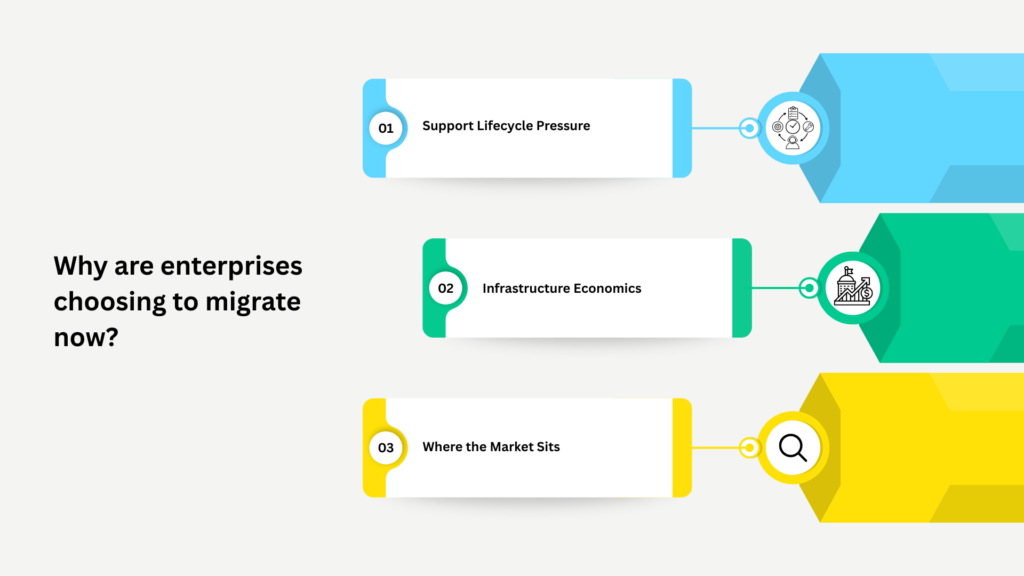
Three forces, and usually more than one at a time.
Support Lifecycle Pressure
This is the most common trigger and the least discussed. IBM has ceased support and fix generation for older Sterling OMS, CPQ, and WMS versions, advising customers on those versions to migrate to stay supported. IBM’s own modernization guidance notes that end of support for version 9.5.x became official in April 2022, which puts a hard floor under how long a deferral strategy can last.
Running unsupported is a risk that compounds silently. It’s fine until the day it isn’t, and that day is rarely convenient.
Infrastructure Economics
On-premises Sterling carries tenancy, licensing, and operational overhead that cloud deployment restructures. The savings are real but they’re not automatic — they come from consolidating environments and retiring parallel infrastructure, not from the migration itself.
Where the Market Sits
Fortune Business Insights puts cloud at roughly 72% of the multichannel order management market in 2026, within a market growing at 12.2% CAGR toward $11.34 billion by 2034. Staying on-premises increasingly means running an architecture the ecosystem is optimizing away from — including new platform capability that lands on SaaS first.
How Should You Sequence an On-Premises to OMoC Migration?
The single most useful decision is whether to upgrade and migrate together or separately.
| Approach | Upgrade then migrate | Migrate then upgrade | Combined |
|---|---|---|---|
|
Risk profile |
Lower per step, longer overall |
Constrained by version compatibility |
Highest, shortest |
|
Best when |
You’re several versions behind |
You’re already near current |
Version gap is small and timeline is tight |
|
Rollback complexity |
Manageable at each stage |
Manageable |
Difficult — two variables at once |
|
Peak season safety |
Two smaller windows |
Two smaller windows |
One large window |
|
Typical choice |
Most estates on 9.x |
Estates on recent versions |
Rarely the right call |
For most on-premises estates carrying real version debt, sequencing the upgrade first is the safer path — you isolate the variables, and a failure at either stage has a clear rollback. IBM’s own support guidance on upgrades is blunt about this: the upgrade should be treated as a project requiring careful planning, adequate time, and adequate resources, not as a maintenance task.
The Five Decisions to Make Before You Start
- Retention policy. How much order history moves, how much archives, and where the archive lives. This decision drives migration duration more than any other.
- Customization triage. Which extensions carry forward, which get reworked, which get retired. Most estates find that a meaningful share of their customization was solving a problem the platform now solves natively.
- Integration re-pointing. Every connected system needs a plan and a test. This is where the advanced configuration merger tooling we built for Sterling estates earns its keep, by making configuration comparison across environments something you can reason about rather than eyeball.
- Environment strategy. How many, provisioned how, refreshed how often. Cloud changes the economics here in your favor, but only if you plan for it.
- Cutover window. Working backwards from peak, with a stabilization buffer that survives contact with a delay.
How Do You Protect Peak Season During a Migration?
Four practices, in order of impact.
Freeze the calendar first. Identify your peak trading window and the stabilization period in front of it, then treat that block as immovable. Every other date negotiates around it.
Rehearse the cutover properly. Not once. Mock migrations against production-scale data volumes reveal the timing problems that a scaled-down rehearsal hides completely.
Test at peak volume. Your migration is validated when the new environment handles your busiest projected hour with headroom, not when functional tests pass.
Keep the rollback real. A rollback plan that nobody has executed is a document, not a plan. Rehearse it, time it, and know the exact point of no return before cutover night.
Planning an IBM Sterling OMS Migration to OMoC You Can Live With
Three things worth holding onto. An IBM Sterling OMS migration to OMoC is an upgrade and a deployment change, and separating them is usually the safer sequence. Data retention and customization triage are the two decisions that shape everything downstream. And the peak trading calendar is a design constraint you build the plan around, not a date you hope to clear.
Acuver Consulting is supply chain consulting firm specializing in order management, warehouse management and software engineering solutions. Acuver has been an IBM Business Partner since 2013, running upgrades and cloud migrations for Sterling estates across retail, manufacturing, and logistics, including multi-brand groups where several legacy platforms had to become one. Our enterprise implementation services cover assessment through cutover and into run.
If you’re planning the delivery sequence in detail, our phase-by-phase implementation roadmap breaks down each stage. and for what comes after the migration, see managed services and agentic AI for IBM Sterling OMS.
Want to execute an IBM Sterling OMS migration to OMoC? Connect with our team of experts for a strategic route.